
IPTV Smarters Pro Setup Guide for Australia (2026): Firestick, Smart TV, Android & iOS
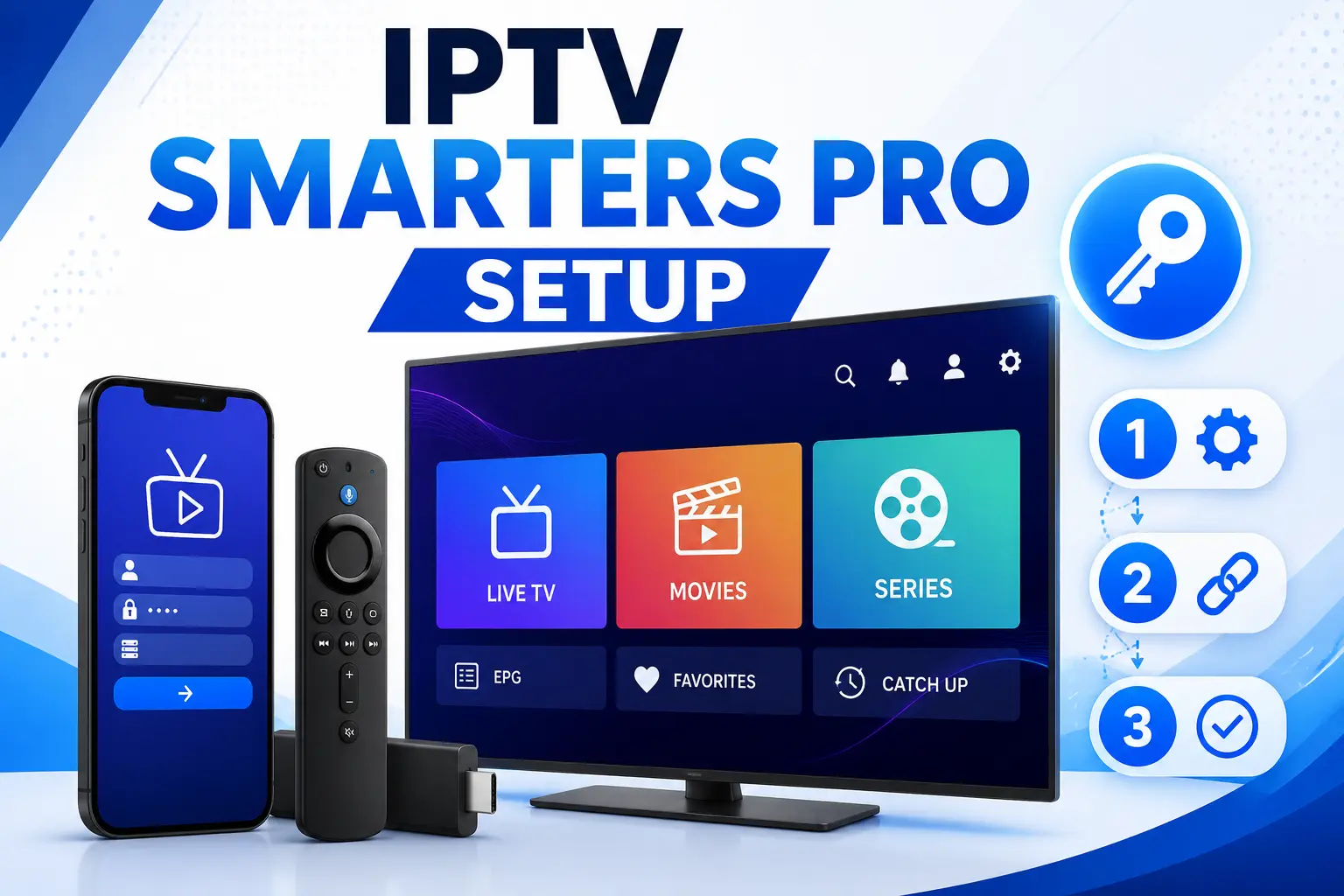
IPTV Smarters Pro is the most popular IPTV player app in Australia, and for good reason – it is free, clean and works on almost every device. But the app on its own is empty: to watch anything you need a subscription and a one-time setup. This step-by-step guide shows you exactly how to set up IPTV Smarters Pro on a Fire Stick, Smart TV, Android, iPhone and more, plus how to fix the most common problems.
For a one-page reference covering every device, also see our full IPTV installation guide, and learn more about the app on our IPTV Smarters Pro page.
Before You Start: What You Need
Setup takes about five minutes if you have three things ready first – this prevents almost every problem people run into:
- A stable internet connection – 15 Mbps+ for HD, 25 Mbps+ for 4K. Ethernet beats Wi-Fi. You can speed test yours in seconds.
- Your subscription login details – the username, password and server URL (Xtream Codes) we send by WhatsApp and email after you order. No subscription yet? Grab one here or start a free trial.
- An up-to-date device on the same network as your router.
How to Download IPTV Smarters Pro
The app is free. Install it from the right place for your device:
- Android / Android TV: the Google Play Store
- iPhone / iPad / Apple TV: the Apple App Store
- Fire Stick / Fire TV: via the Downloader app (steps below)
- Samsung / LG Smart TV: your TV's app store (IPTV Smarters Pro or Smart IPTV)
- Windows / Mac: the desktop version, or use VLC Media Player
Step-by-Step: Login With Xtream Codes API
The Xtream Codes API login is the easiest method and works the same on every device. Once the app is installed:
- 1. Open IPTV Smarters Pro and accept the terms of use.
- 2. Tap "Login with Xtream Codes API".
- 3. Type any name (e.g. "My TV"), then enter your Username, Password and Server URL exactly as sent.
- 4. Tap Add User – your Live TV, Movies, Series and EPG load automatically.
Need a Subscription First?
Get your Xtream Codes login in minutes and start streaming in 4K – free 24-hour trial available.
How to Set Up IPTV Smarters Pro on Firestick
The Amazon Fire Stick is the most popular IPTV device in Australia. Because IPTV apps are not in the Amazon store, you install via Downloader:
- 1. Go to Settings → My Fire TV → Developer Options and turn on Apps from Unknown Sources.
- 2. Search for and install the Downloader app.
- 3. Open Downloader and install IPTV Smarters Pro.
- 4. Open the app and log in with your Xtream Codes details.
A wired connection or 5 GHz Wi-Fi gives the smoothest 4K on Firestick. Full Firestick steps are in our installation guide.
Smart TV Setup (Samsung & LG)
Samsung (Tizen) and LG (webOS) TVs use the Smart IPTV app linked through the official siptv.app portal: install Smart IPTV from your TV's store, note the MAC address it shows, then add your M3U playlist to that MAC at siptv.app and restart the app. If IPTV Smarters Pro is available in your TV's store, you can use the standard Xtream Codes login instead.
Android & iOS Setup
On phones and tablets it is the quickest of all: install IPTV Smarters Pro from the Google Play Store or Apple App Store, open it, accept the terms, choose Xtream Codes API, enter your details and start watching. Great for streaming sport on the go or casting to a TV.
Troubleshooting Common Problems
"Invalid login" or "no connection"
Re-check the username, password and server URL for typos – they are case-sensitive. Confirm your subscription is active and your internet is connected.
Buffering or freezing
Almost always an internet issue. Run a speed test, switch to Ethernet or 5 GHz Wi-Fi, and close other downloads. 15 Mbps+ for HD, 25 Mbps+ for 4K.
Channels missing
Fully close and reopen the app to refresh the playlist. Still missing? Contact support and we will reload your line.
Frequently Asked Questions
How do I set up IPTV Smarters Pro?
Install IPTV Smarters Pro from your app store, open it and accept the terms, choose ‘Login with Xtream Codes API’, then enter the username, password and server URL your provider sends you. Tap Add User and your channels load automatically.
How do I install IPTV Smarters Pro on a Firestick?
Because Firestick installs apps from outside the Amazon store, enable Apps from Unknown Sources, install the Downloader app, use it to install IPTV Smarters Pro, then log in with your Xtream Codes details. Our full guide has the exact steps.
Why is my IPTV Smarters Pro login not working?
Almost always a typo – the username, password and server URL are case-sensitive. Re-enter them carefully, confirm your subscription is active and your internet is connected. If it still fails, contact your provider’s support.
What is the difference between Xtream Codes and M3U login?
Xtream Codes API is the easiest method and keeps your Live TV, Movies, Series and EPG neatly organised. An M3U URL also works but is less tidy. We recommend Xtream Codes wherever possible.
Is IPTV Smarters Pro free?
Yes, the app is free to download. You need an active subscription with login details to actually watch – that is the service we provide from $22.